Nothing to wear, again?
You always have something to wear.
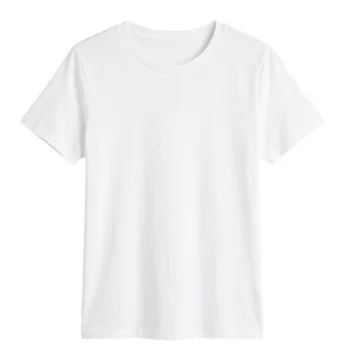
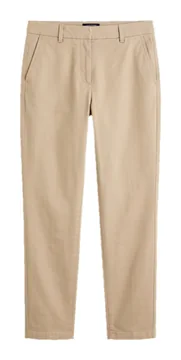
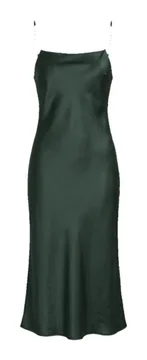
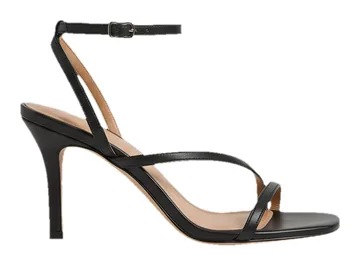
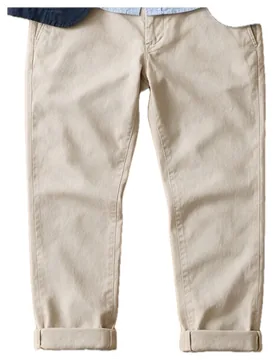
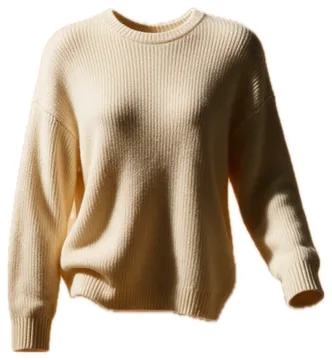
It is all in your photos. gussy finds every piece, cuts it out and builds your closet.
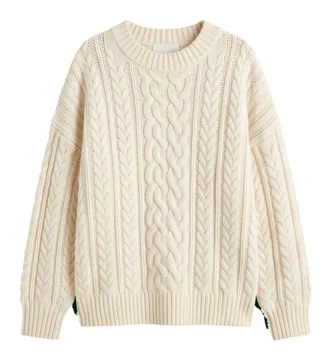
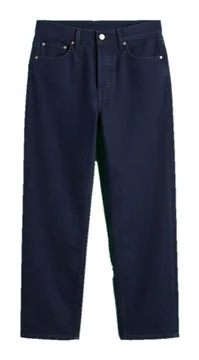

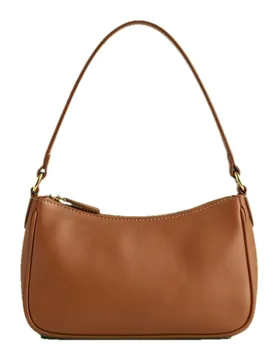
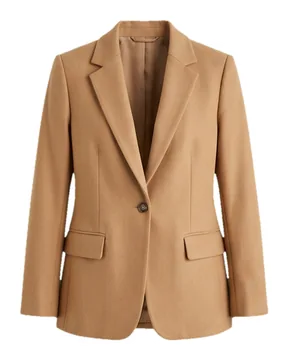

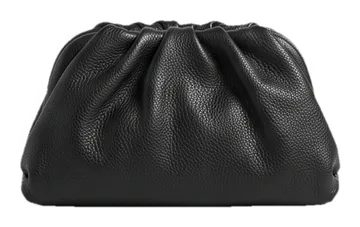
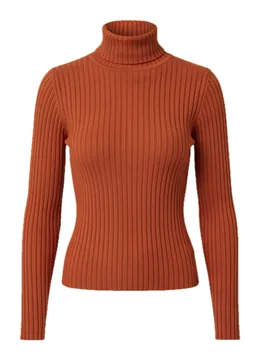
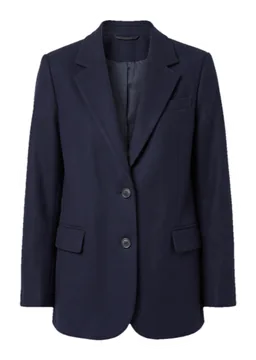
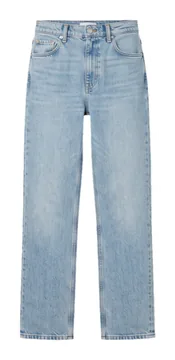
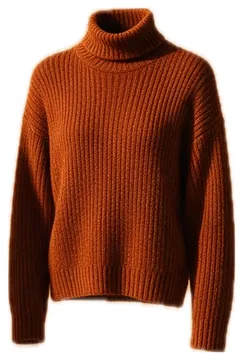
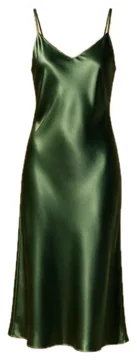
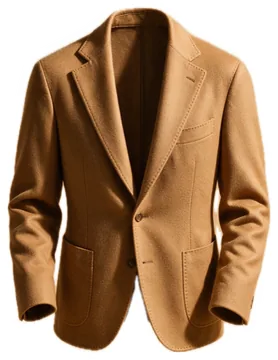
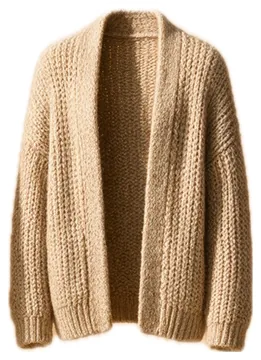

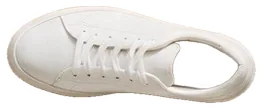
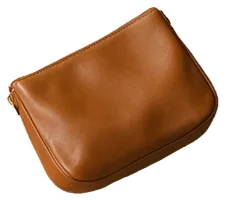
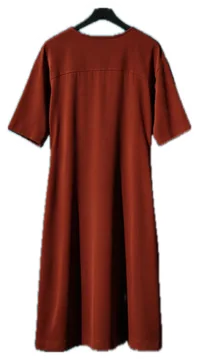

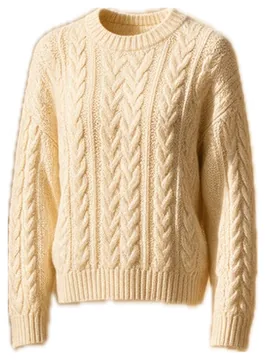




 Scan
You already took the photos.
Half your closet is already in the photos you took over the years. gussy finds each piece inside the photo, cuts it out on your phone and puts it in your closet.
Your photos are never uploaded or changed; only the cut-out pieces go to your closet.
 SweaterTrousersSneakersBag
 Outfit ideas
Decide tonight, not at 7 am.
gussy looks at the weather, the season, what you wore lately and what goes together, and suggests outfits from your own closet. Keep the ones you like, skip the rest.
 Tomorrow 14°, rain
 Try on
See it on you first.
One photo of you and up to three pieces: see how it looks before you put it on. Not quite right? One more tap.
 Made with AI
 Studio
Build your own outfit.
Lay pieces on the canvas, resize them, turn them, stack them. Save the ones you like or put them on a day.

 Calendar
The whole week at a glance.
Each day with its weather and its outfits. Mark what you wore and gussy remembers how often you wear every piece.






 Color analysis
The colors that suit you.
A photo of your face tells which colors light you up; your closet is then held against them. The photo stays on your phone.
 Privacy
Your photo library stays on your phone.
The scan looks through your library on your phone. Your photos are never uploaded or changed; only the pieces it cuts out go to your account. The model photo you add for try-ons is kept in your account and sent to our AI provider only to make the images you ask for.
 Pro
Start free.
Building your closet, outfit ideas and the calendar are free. Pro gives your closet more room and adds try-ons and color readings.
Prices are shown in the App Store in your currency.
Free
- Your closet from your photos
- Outfit ideas for the weather
- Calendar and worn history
Pro
- More room in your closet
- Try-ons on a photo of you
- Your color reading

Questions
Do I have to photograph every piece of clothing?
No. gussy finds the pieces in the photos already in your library, cuts them out on your phone and adds them to your closet. To add a single piece, pick a photo or take a new one.
How does gussy pick my outfits?
Only from your own closet. It looks at the weather where you are, the season, what you wore recently, the colors that suit you and the ideas you kept or skipped.
Can I plan what to wear for the week?
Yes. Put outfits on the days ahead in the calendar and mark what you wore. The calendar keeps your worn history, so you can see what you wore when.
How does try-on work?
Add a photo of yourself once, pick pieces from your closet or a saved look, and gussy shows the outfit on you. Try-on comes with Pro.
Is it free?
Building your closet, outfit ideas and the calendar are free. Pro adds more room, try-ons and color readings. Prices appear in the App Store in your currency.
Are my photos uploaded?
No. Your library is scanned on your phone and your photos stay there. Your account keeps only the cut-out pieces and the model and outfit photos you add yourself. When you start a try-on, your model photo and the pieces you chose are sent to our AI image provider to make the picture, and the result is saved to your account.
Can anyone else see my closet?
No. Your closet, looks and photos are visible only to you. There is no public profile or feed; other people see a look or a piece only when you share it yourself.
Which devices does it work on?
iPhone and iPad with iOS 18 or later. Sign in with the same account and your closet, looks and plans are on both. There is no Android version.
Does gussy use AI?
Only the try-on makes images with generative AI, and only when you ask for one. The scan recognizes clothes on your phone, and outfit ideas come from rules about the weather, the season and what goes together.
Which languages does gussy speak?
English, Turkish, German, French, Spanish, Italian, Portuguese (Brazil), Dutch, Japanese, Korean, Polish and Arabic.
How do I delete my account?
In the app, go to Profile > Settings > Security > Delete my account. Your account is erased after 30 days; if you sign in during those 30 days, it comes back.
Let's look at your library.
Get gussy, scan your photos, and your closet builds itself.